Spanesi Touch Update Process 2025-1 (June 21st, 2025)
Spanesi Touch Update Process 2025-1 (June 21st, 2025)
1. Check the current update version. Double-click "Spanesi SpA Touch 1.1"

2. Click "OK"

3. Click "Settings"

4. Click "View updates"

5. If the "Number of cars into the database:" is not around 7,694, you will need an update. The vehicle count may be slightly different if you have added special vehicles such as Rivian or Lucid Motors.
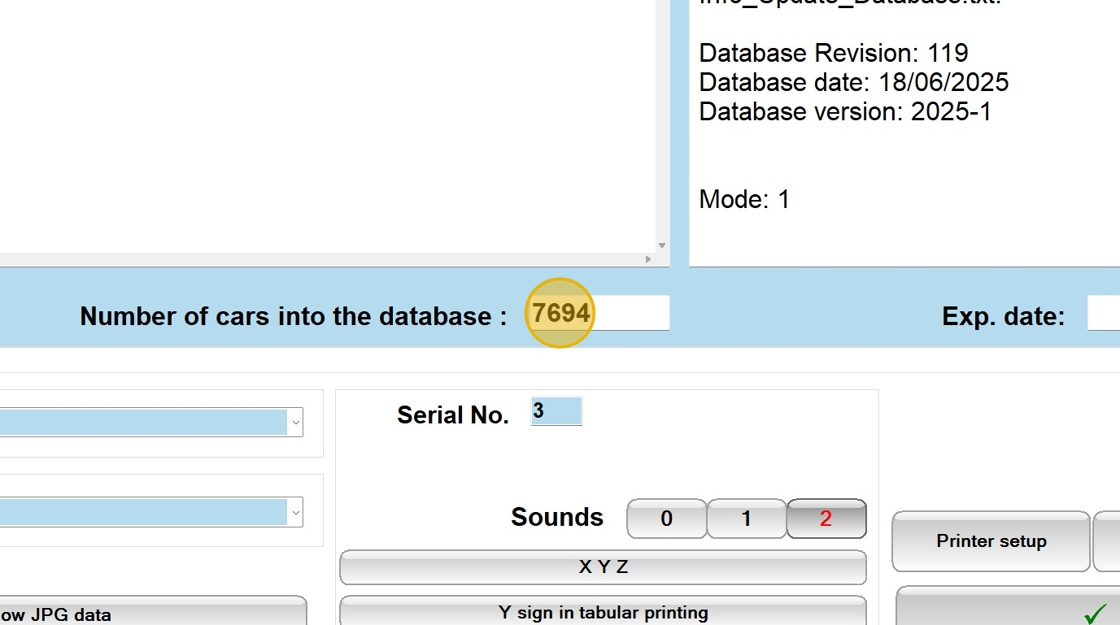
6. Click the following link to download update 2025-1. The link can also be typed into your web browser to download.
https://customer.spanesi.it/download/update/WINTOUCH_USA_EUROPE_2025.zip
7. With the Spanesi Touch 1.1 software closed double-click to open the downloaded file.

8. Double-click "setup.exe." Do not attempt to extract the files.

9. Select the preferred language and Click "OK"

10. Click "Next >"

11. Click "Next >"

12. Click "Install." The software will now extract and update.

13. When the installation is finished, click "Yes, I want to restart my computer now."

14. Click "Finish" and allow the PC to restart completely.

15. Check to make sure the update was installed. Double-click "Spanesi SpA Touch 1.1"

16. Click "OK"

17. Click "Settings"

18. Click "View updates"

19. Click "Number of cars into the database :" and verify the car count is now near 7,694.

20. Click "Exit"

21. To find the new or updated vehicles in the system Click "File"
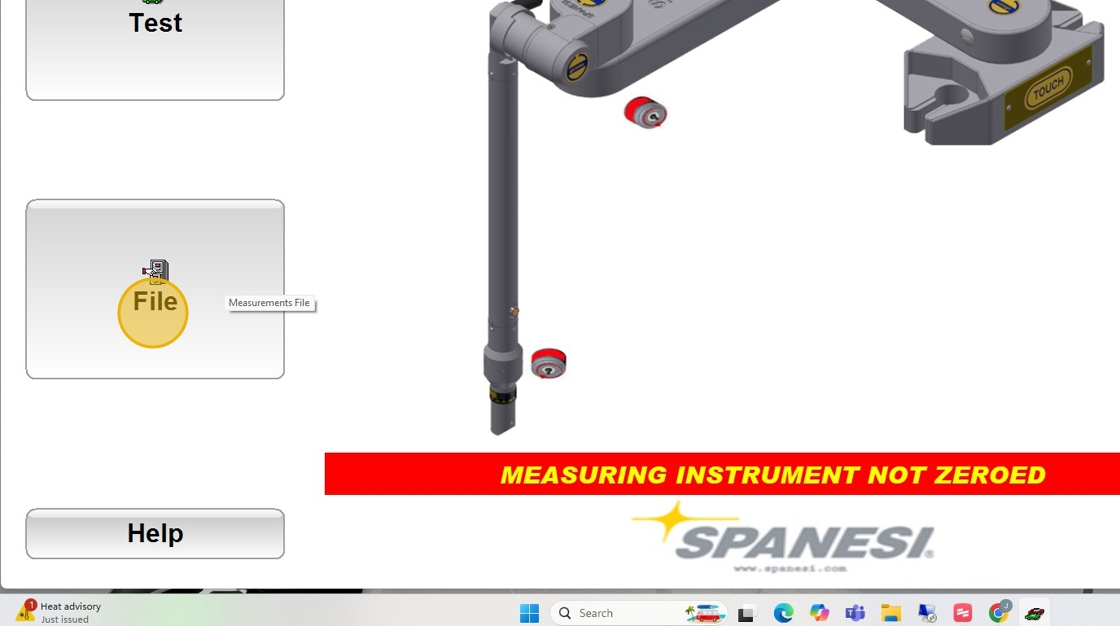
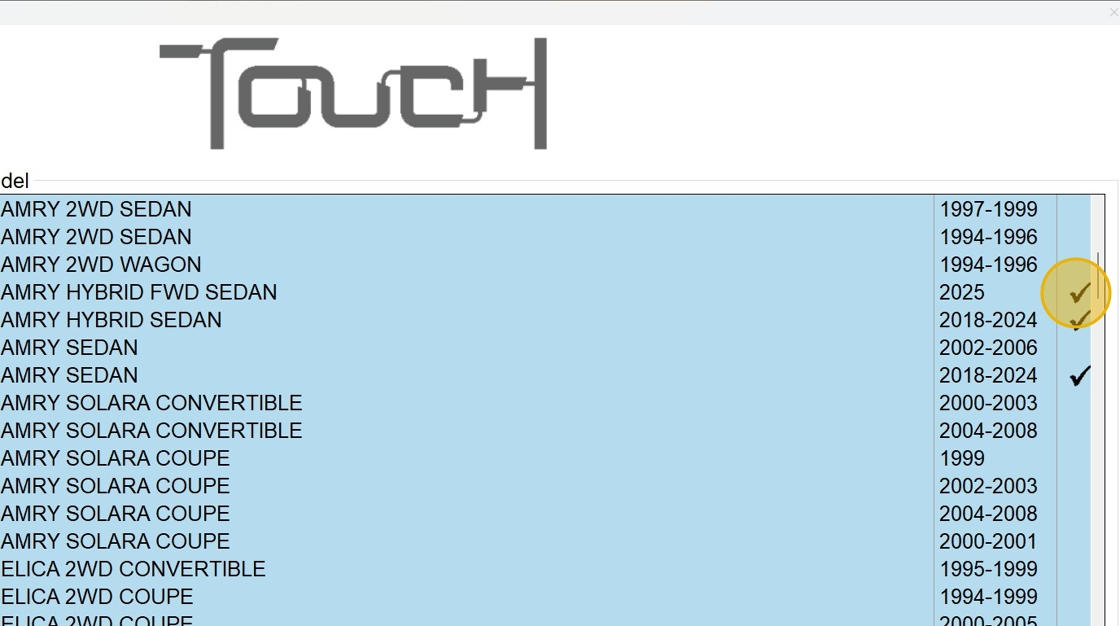
22. Click the vehicle list icon.

23. Any vehicle that has a black check mark has been updated or is completely new in the system. This means the update process is complete.
Related Articles
Spanesi Wheels Update Process 2024-1.0 (Sept 26, 2024)
Perform all Windows Operating System updates prior to any Spanesi Wheels updates. Check the current version of the Wheels software and vehicle database. Open Spanesi SpA Wheels 1.1. Click Settings then View Updates. On the left hand side of the ...Square plug unit wont connect
If you are having issues connecting your square plug touch unit to the new Spanesi Launcher. Download and run this update then your unit should connect like normal. https://customer.spanesi.it/download/launcher/Spanesi_Launcher_V3.EXESpanesi Tech Tip - Using the Touch "U" Extension
1 Point Coincidence TOUCH Arm Test
1. Get touch connected and turned on 2. Open TOUCH Program 3. Goto "TEST" 4. Select Probe that you have on 5. Grab a piece of masking tape and put an X on it. 6. Place the piece of masking tape made in Step 5. on the Car, OR framerack, OR 2 post ...Universal Crossbar Mounting Instructions